ZOOMLIN / HOME DECOR
Rooms begin
with a grounded piece.
Browse Zoomlin's live home-decor catalog through rugs, lighting, mirrors, wall art, poufs and pillow covers.
02 / live catalog
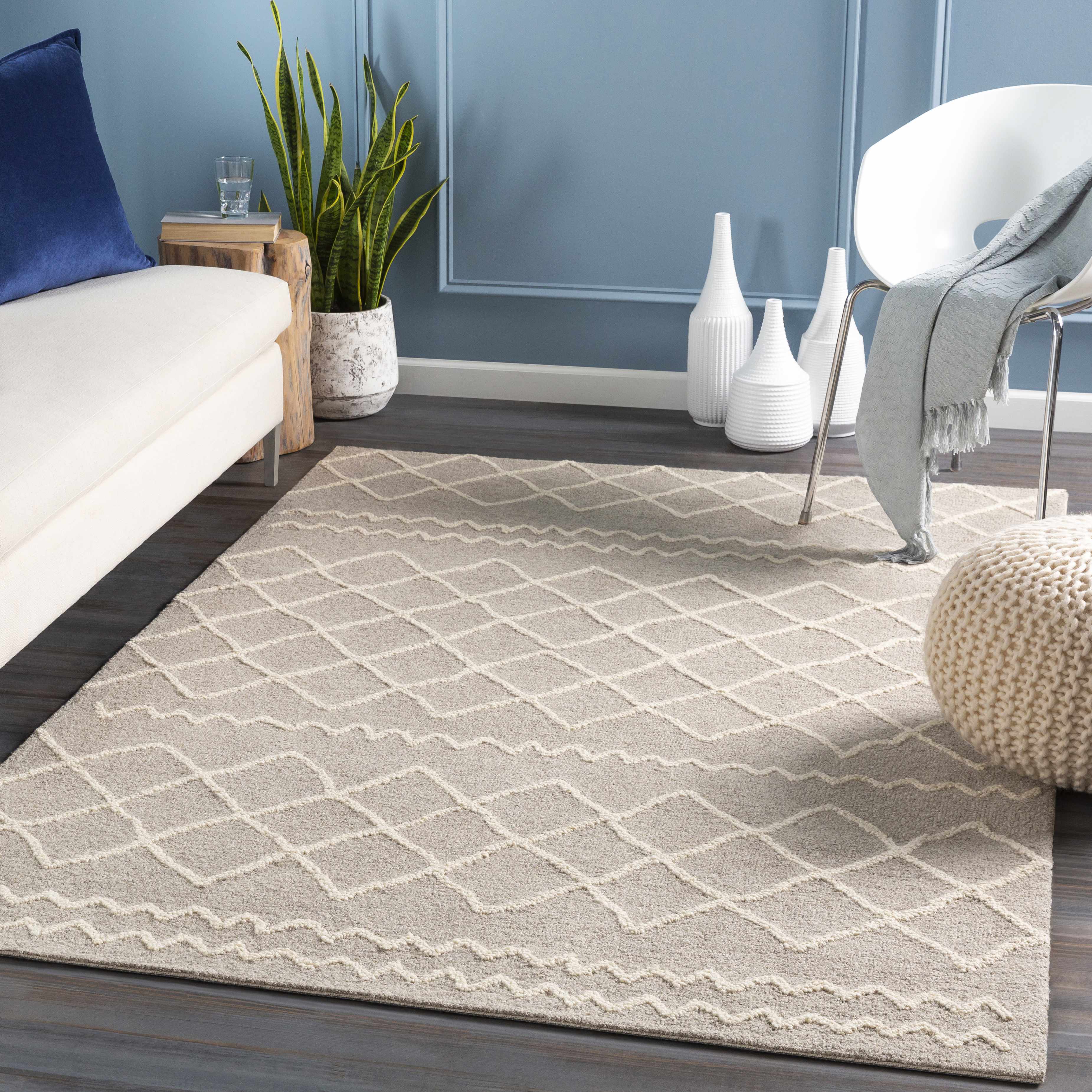
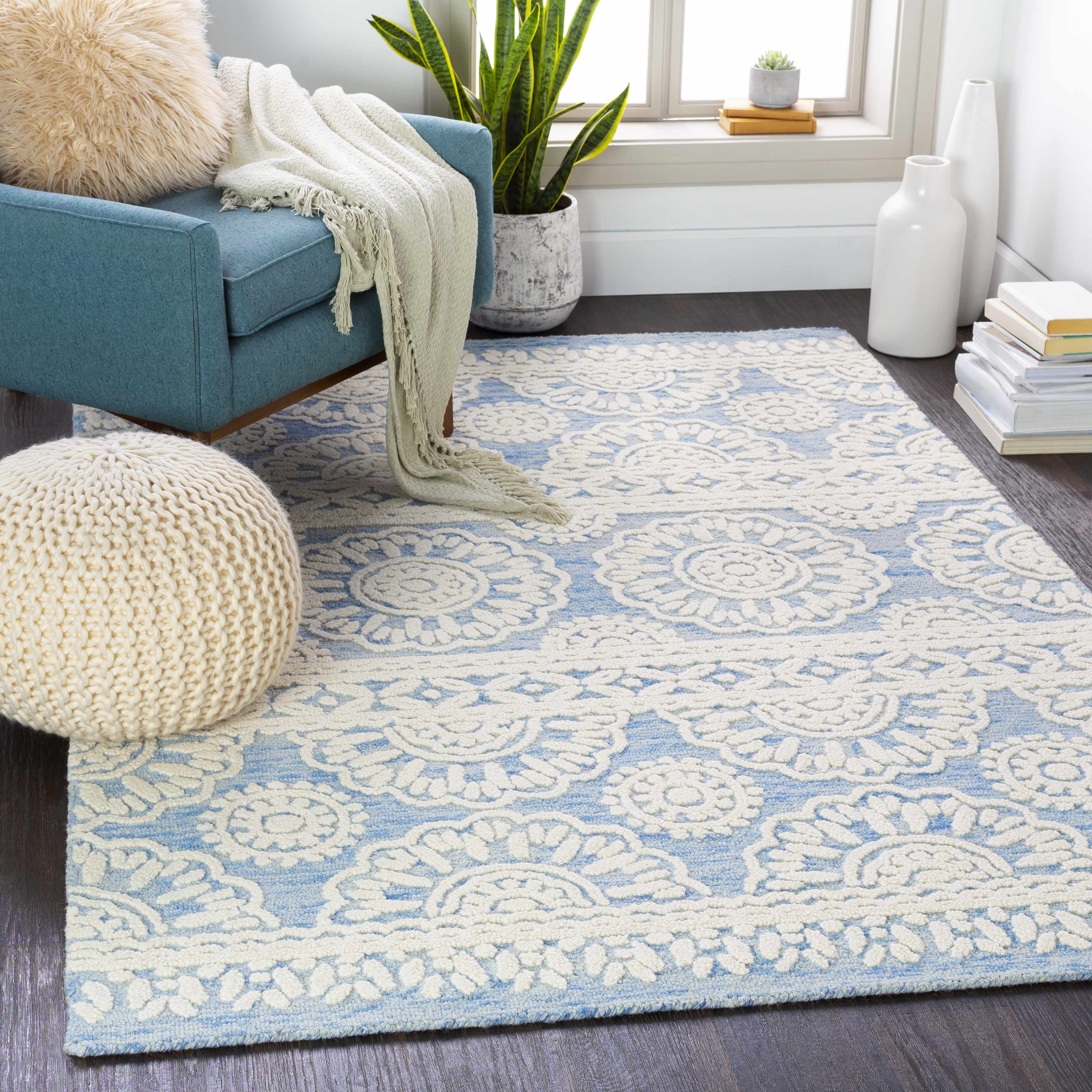
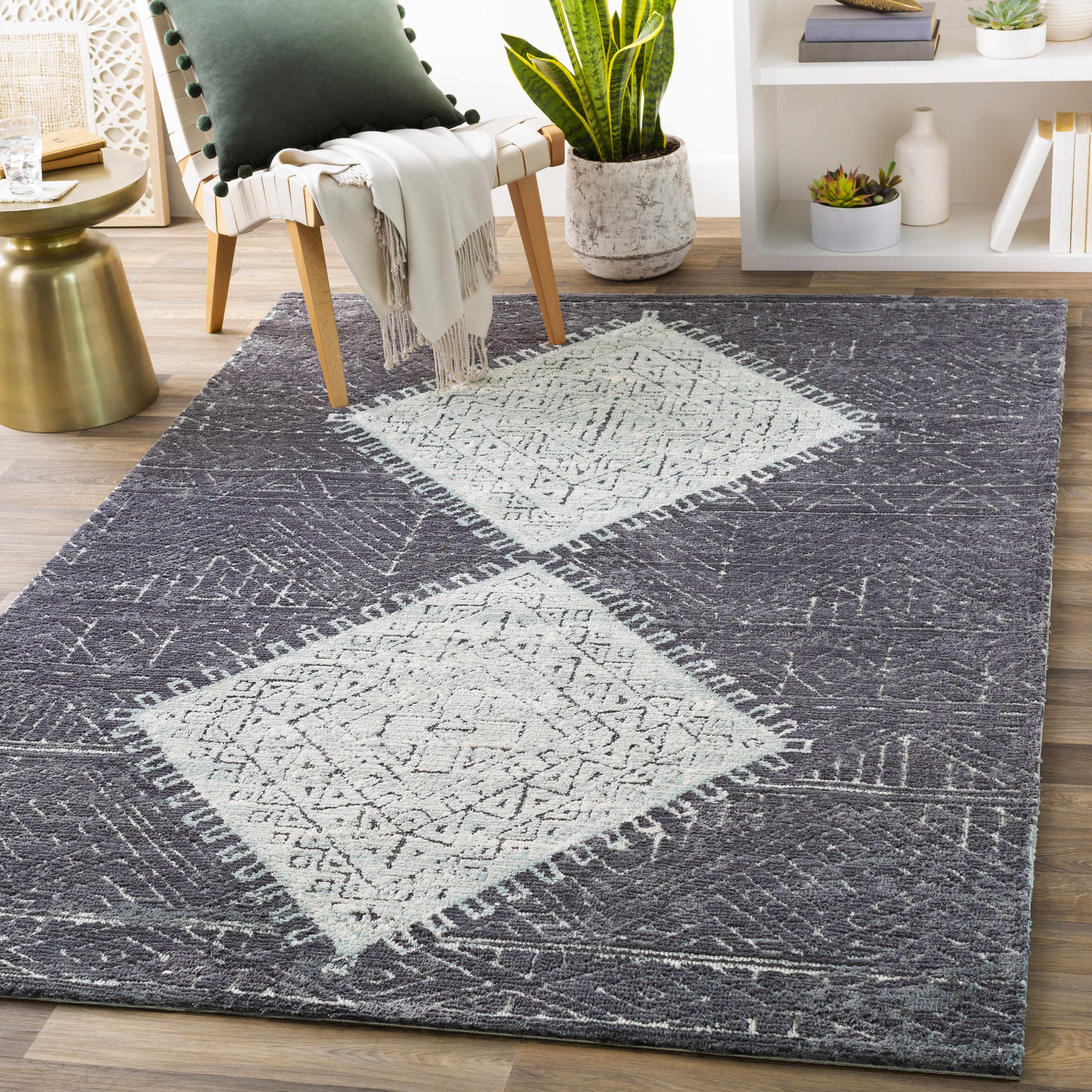
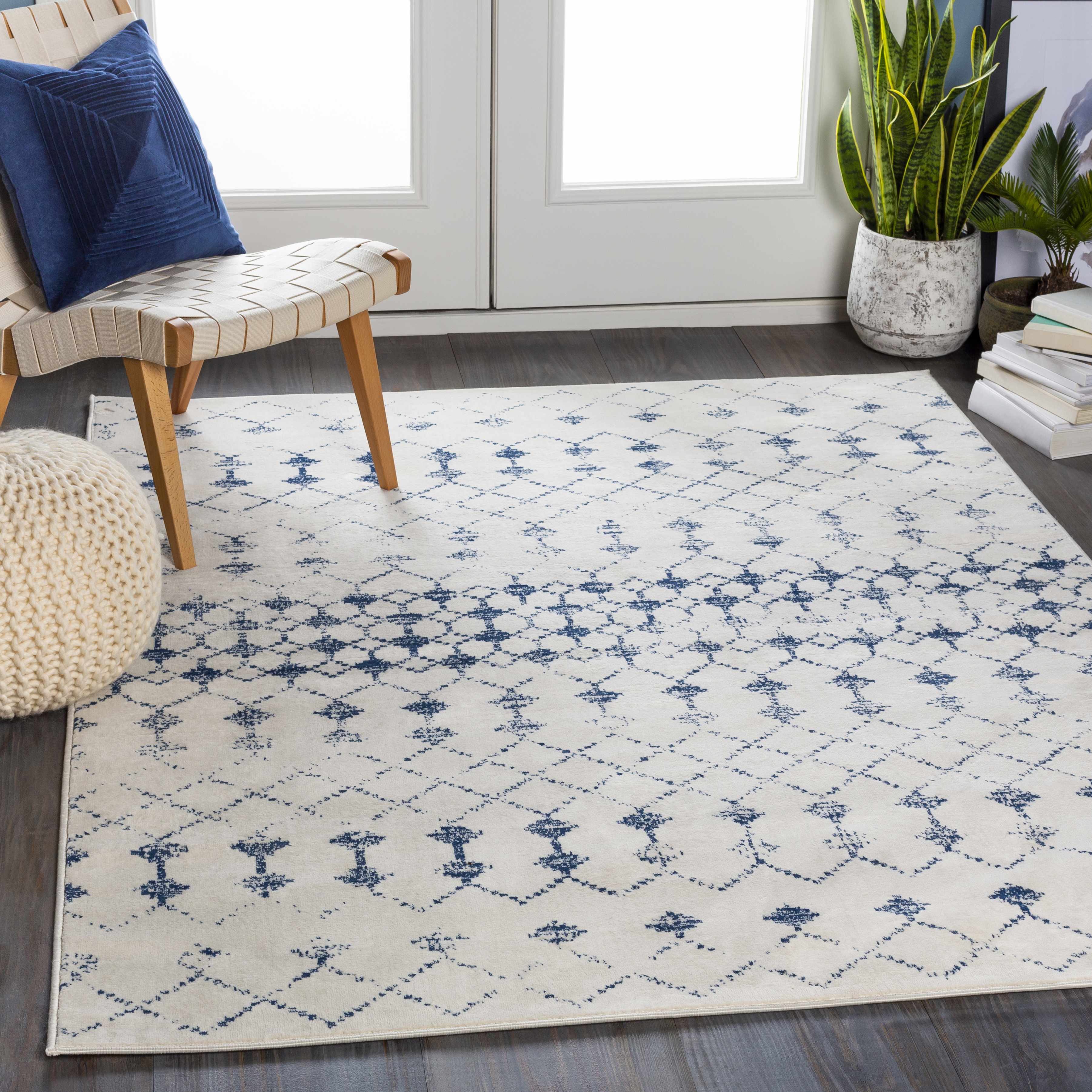
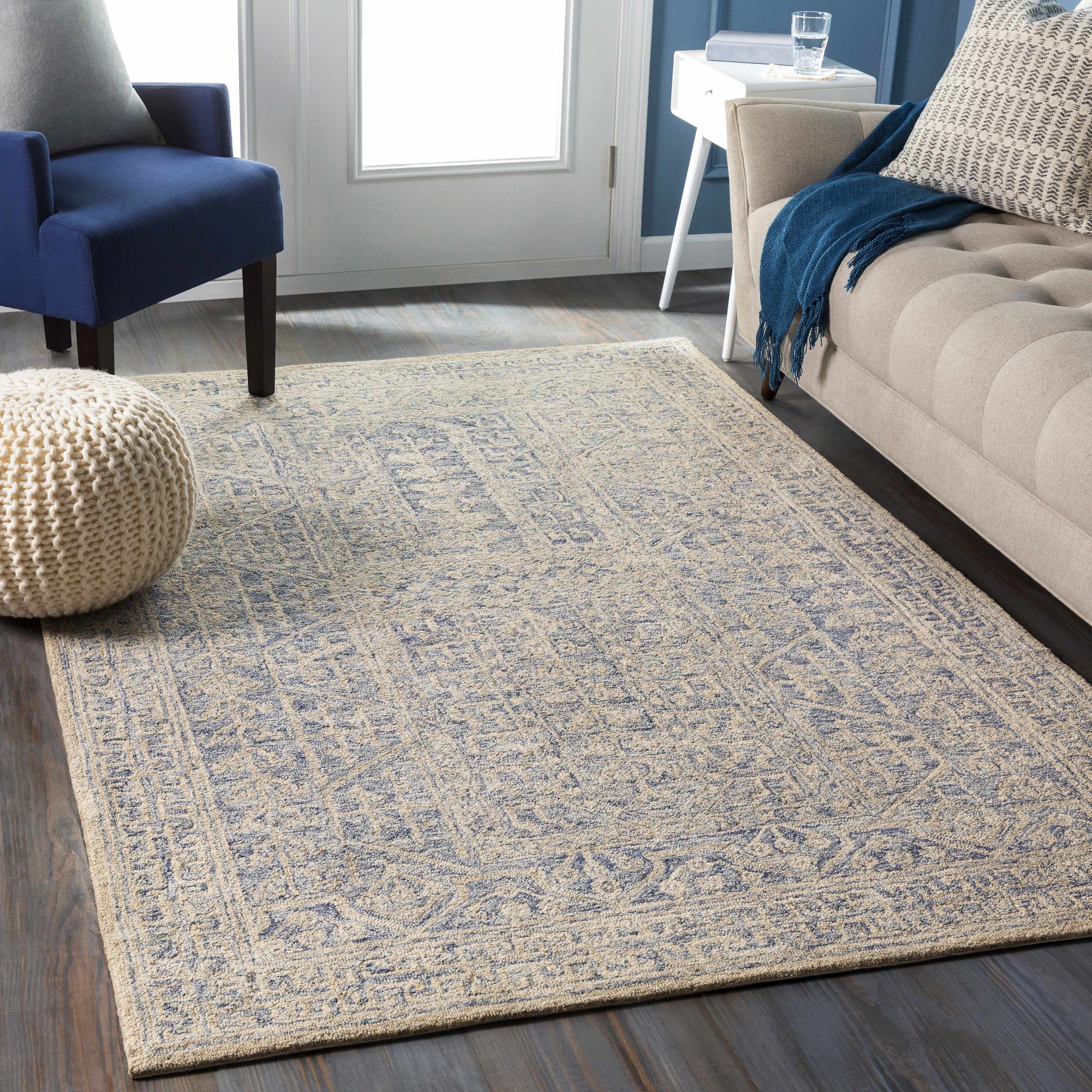
Rugs to begin with.
These are current product listings. Open each one for its live images, dimensions, options, price and availability.
03 / room paths
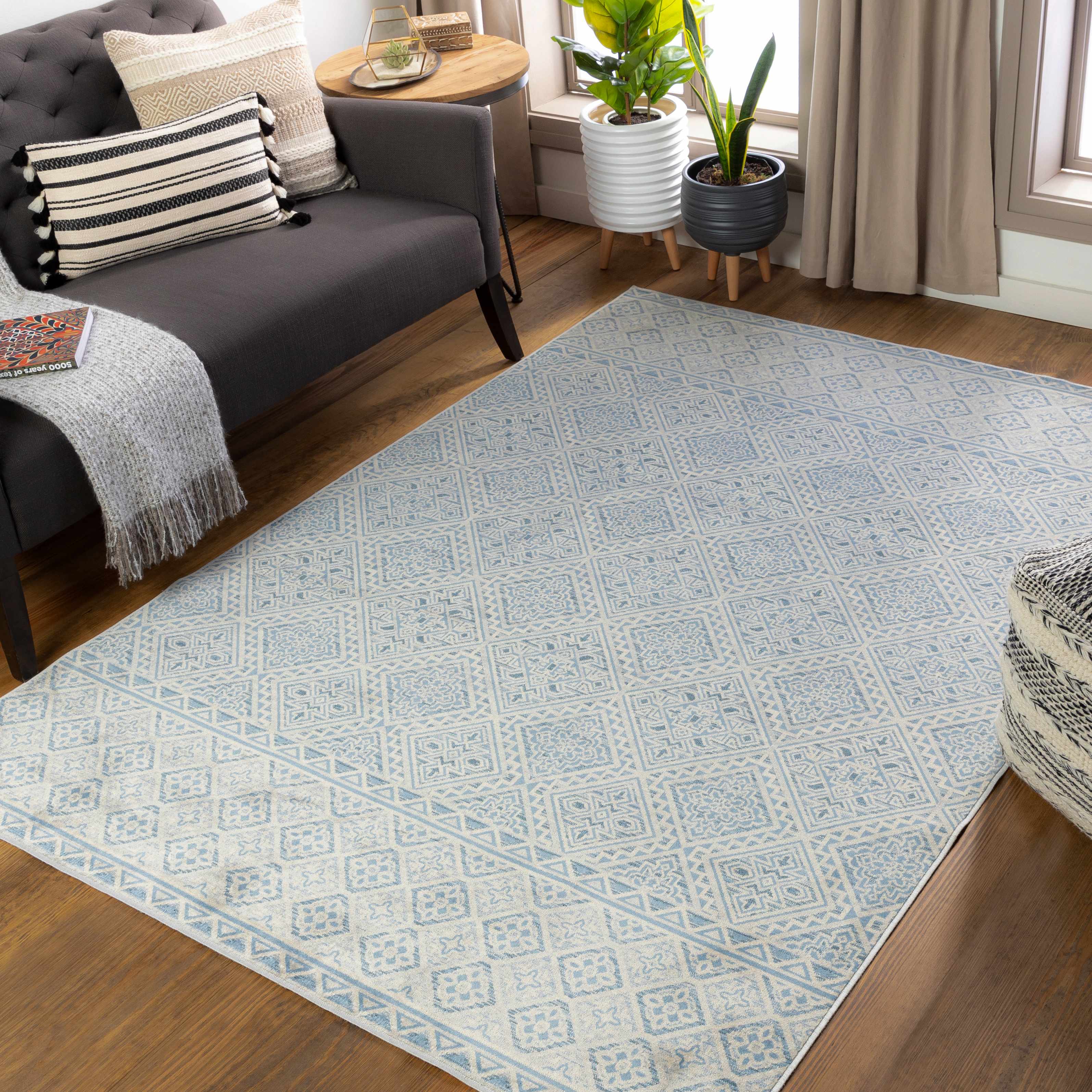
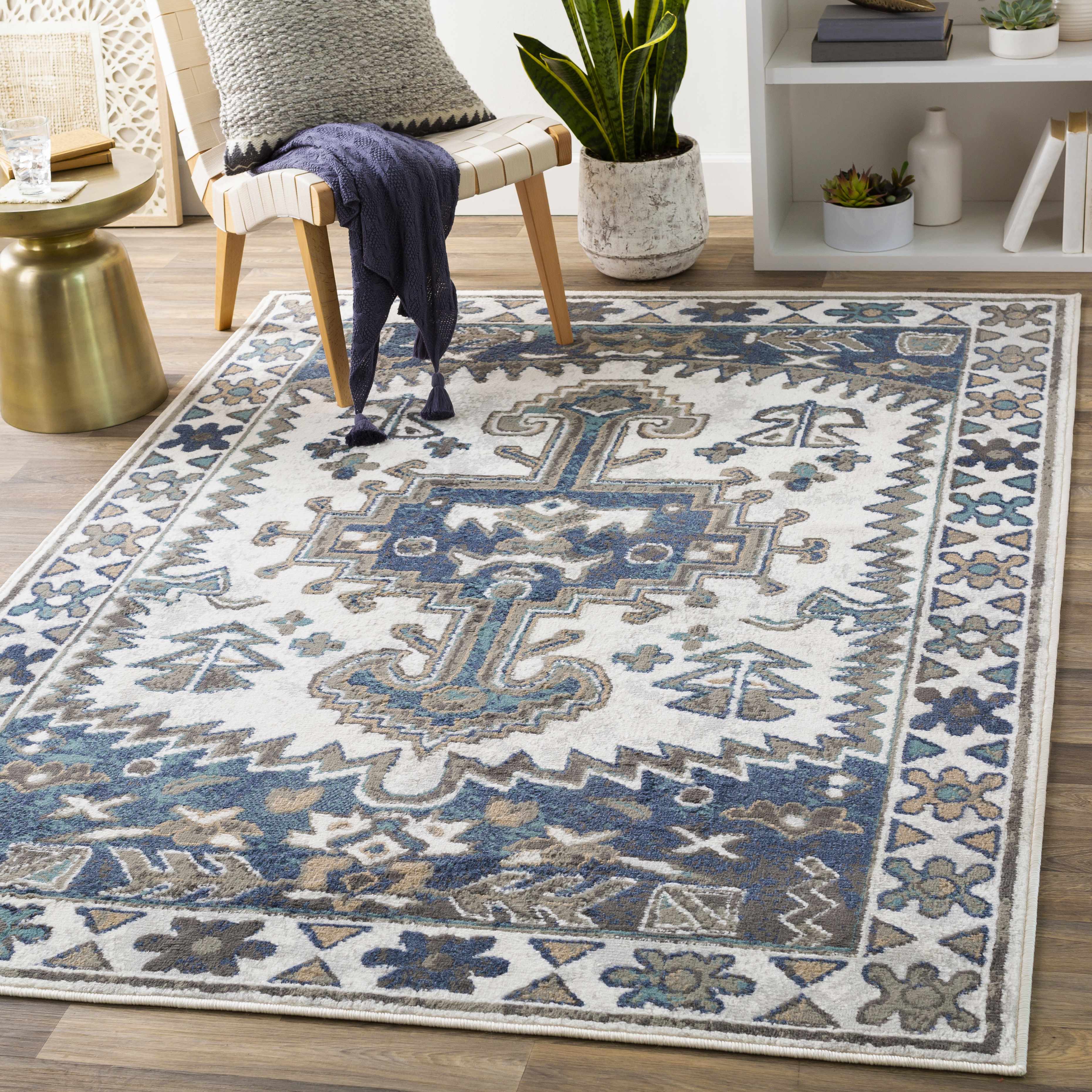
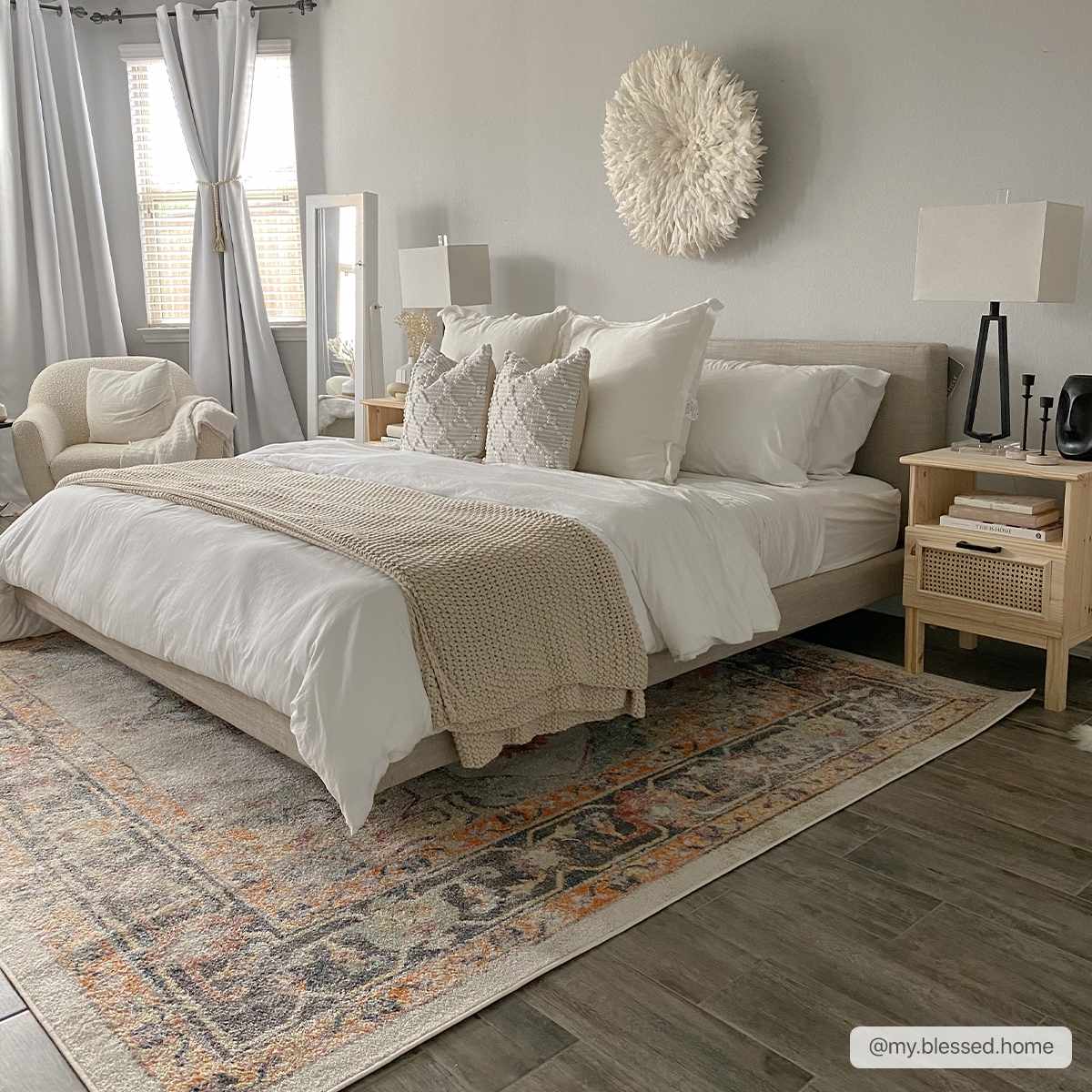
Choose the feeling.
Move from the floor upward: ground the room, add a reflective surface, then finish the walls.
04 / catalog facts
See the store as it is.
Counts below come from the live store inventory and content review used for this redesign.
05 / product facts
Read the material notes.
100% wool
The Skandia Rug listing identifies its material as 100% Wool.
Hand tufted
The same listing identifies its construction as Hand Tufted.
Low pile
The current product details describe Skandia as Low Pile; confirm dimensions and variants on the listing.
06 / texture study
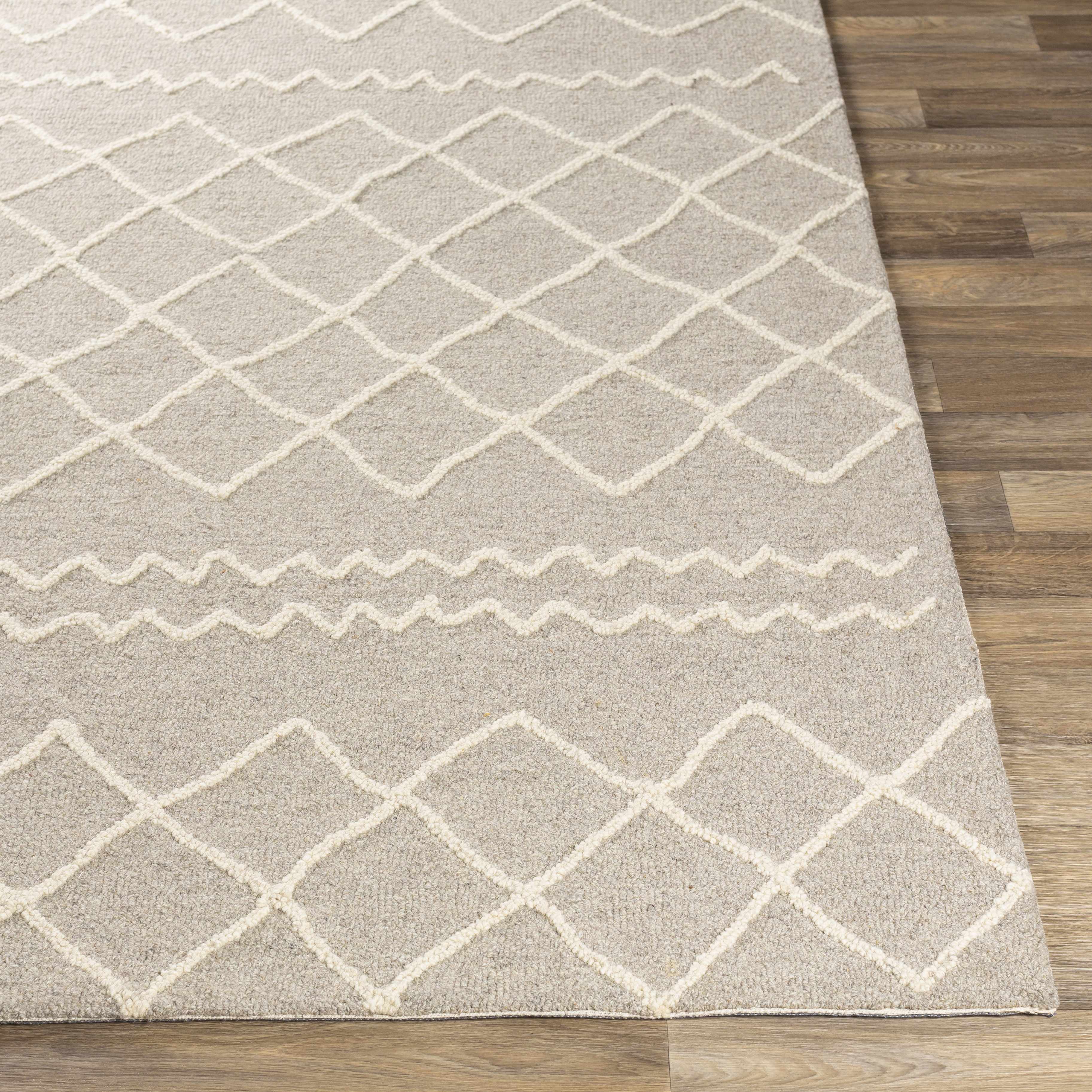
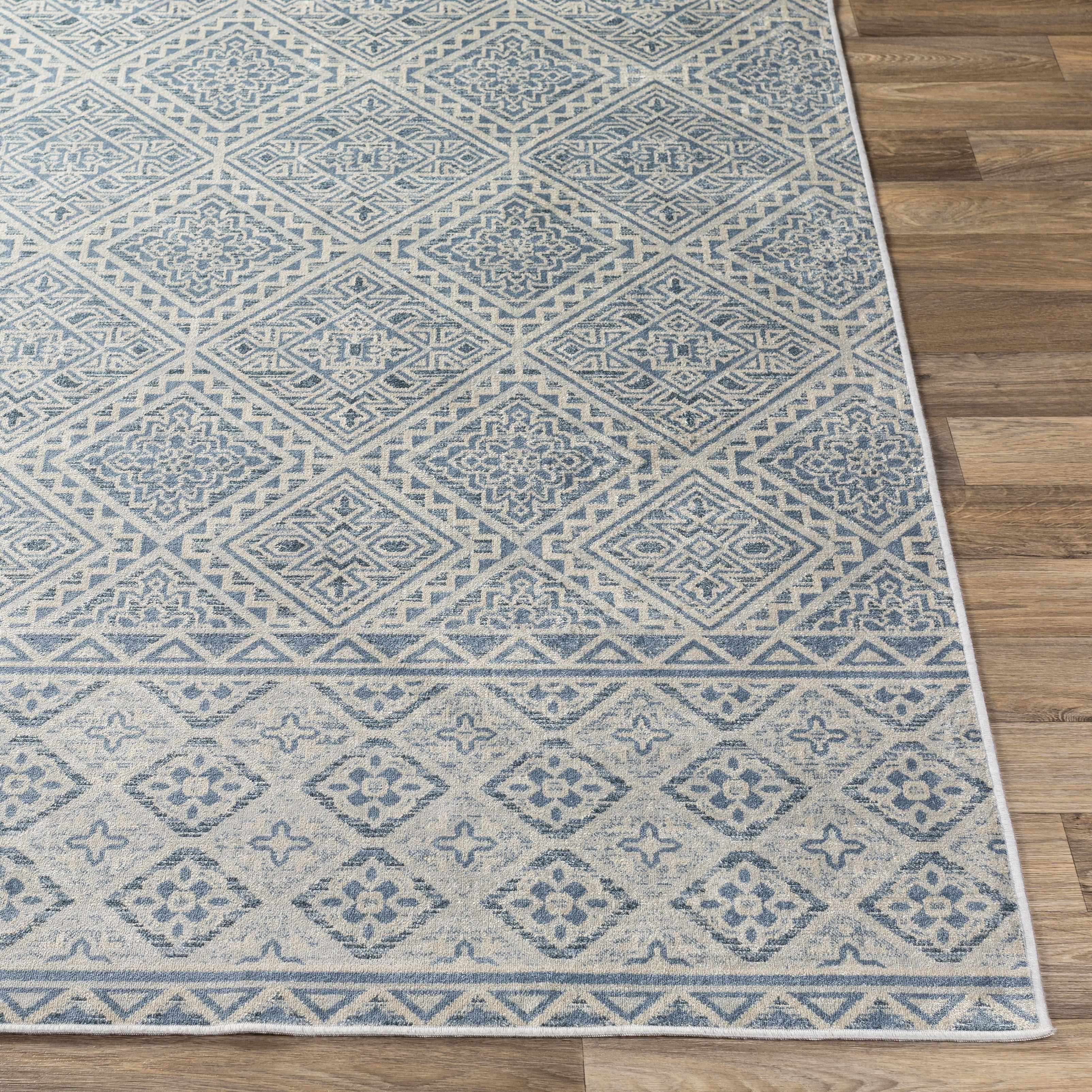
Let texture do the work.
Open a product to compare the live imagery and available options instead of guessing from a category label.
09 / a clear route
From room idea to listing.
Choose a collection.
Start with Rugs, Pillow Cover, Mirrors, Wall Art, lighting or Poufs.
Open the product.
Review its images, option names, dimensions, specifications and live price.
Check the policy.
Shipping, returns and other store terms remain on their original policy pages.
11 / soft finish
Add the smaller layer.
Pillow Cover and Poufs are live routes when the floor and light are already in place.
13 / policy index
Terms stay visible.
Policies remain unchanged and are the source of truth for delivery, returns, payments, billing and privacy.
16 / contact
Need a detail?
Ask Zoomlin.
For product, order or policy questions, use the store's existing support route at [email protected] or open the contact form.
Support hours shown by the store: Mon - Fri, 9 AM - 6 PM (GMT+8).
17 / your next room
Return to the catalog.
Zoomlin's current home-decor catalog is organized by the collection names above. Start with the room layer, open the listing, then keep the policies close.